
Download VideoShow Pro – video editor, video editing software, video editing tool, video editing app, video editing program, video editing utility, video editing application
Overview
VideoShow Pro – Video Editor is a desktop application designed to streamline the process of video editing for users seeking a balance between professional functionality and user-friendly design. Targeted at both beginners and intermediate creators, the software offers a centralized platform for modifying and exporting videos with minimal technical overhead. It serves as a viable alternative for individuals looking to replace more complex tools like Movavi or VSDC without sacrificing essential editing capabilities.
The application supports a range of real-world use cases, including social media content creation, personal video montages, and quick edits for home or small business use. Its lightweight nature suggests suitability for older or low-spec machines, though exact performance benchmarks were not specified. The developer, VideoShow, has positioned the software as an accessible solution for users who value simplicity without compromising on core editing features.
The software is available for free download, making it accessible to a broad audience seeking a no-cost entry point into video editing.
Key Features & Capabilities
- Crop and Rotate Videos – Easily adjust the frame of your video or image with one-click options for cropping and rotating, ideal for aligning content or removing unwanted edges.
- Audio Enhancement – Add background music, sound effects, or voiceovers with intuitive controls to enhance the audio experience of your video projects.
- Photo and Video Collage Creation – Combine still images and video clips into dynamic, visually engaging collages for social media or personal storytelling.
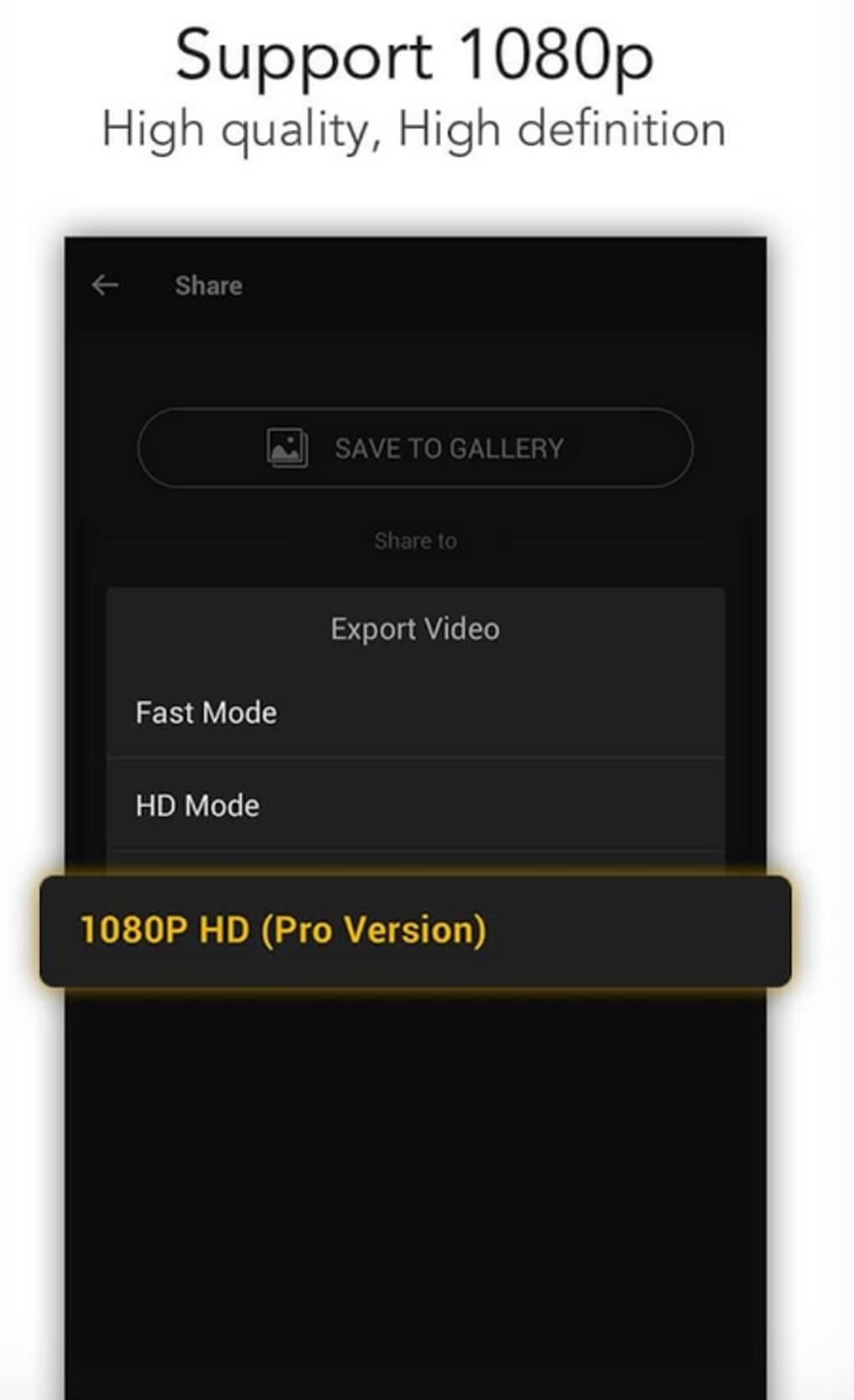
- Social Media Export – Directly export finished videos to platforms such as Twitter, Facebook, and Instagram with optimized formats and aspect ratios.
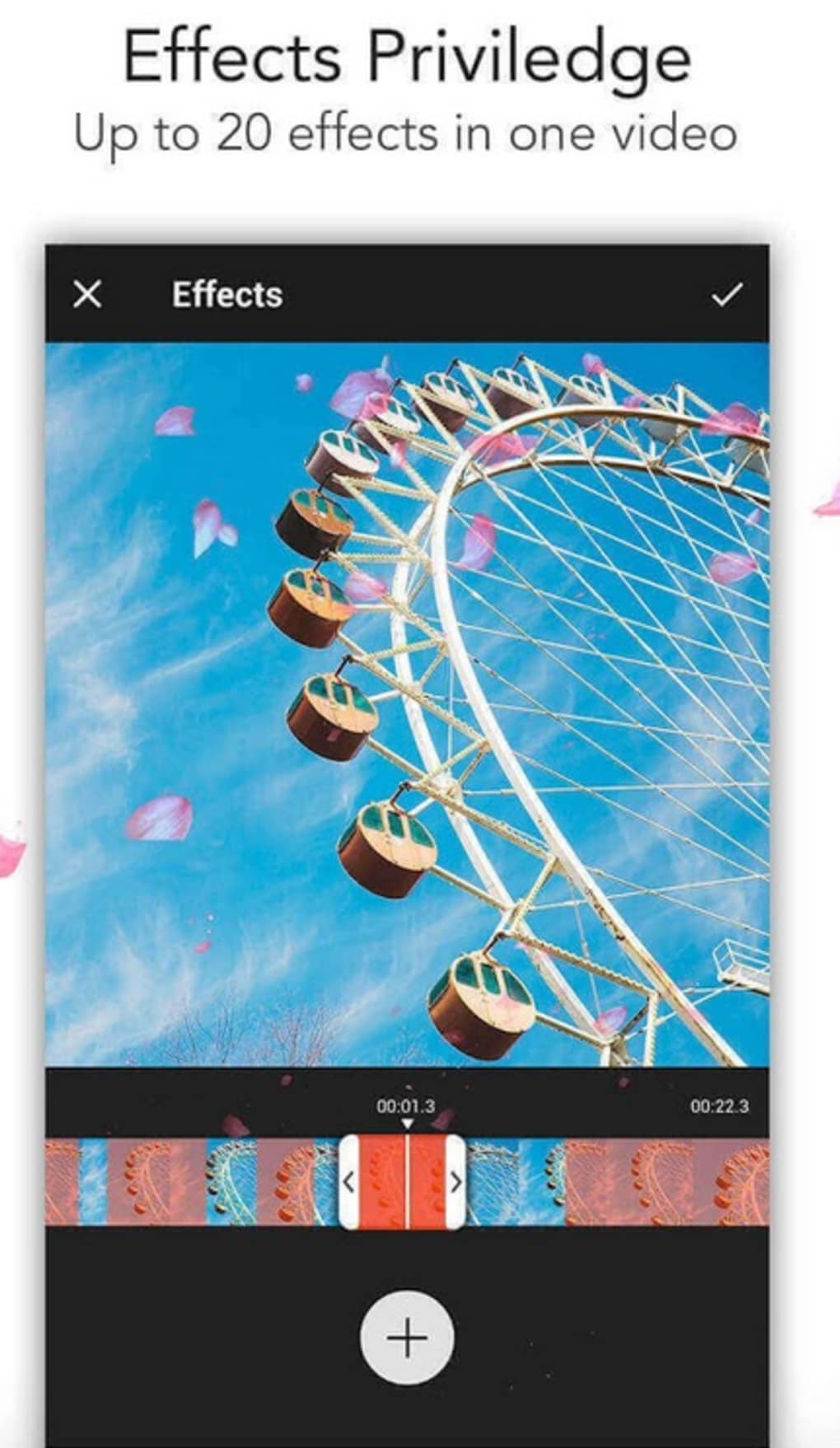
- Sticker and Drawing Tools – Customize videos with animated stickers and a built-in drawing tool to create original graphics or highlight specific areas within the frame.
- Project Creation from Scratch – Start new video projects with blank canvases and build content layer by layer using the available tools.
These features enable users to create polished videos with minimal effort. For example, a user preparing a birthday montage can import photos, apply transitions, add music, and export directly to Instagram. Similarly, a small business owner can quickly produce promotional clips for social media by combining short video clips and adding branded stickers. While most advanced tools are locked behind a paid upgrade, the free version provides sufficient functionality for basic to moderate editing tasks.
User Interface, Workflow & Performance
VideoShow Pro – Video Editor features a clean, intuitive interface designed to minimize the learning curve for new users. The layout organizes tools into clearly labeled panels, allowing for efficient navigation between editing functions. Common tasks such as trimming, adding effects, and exporting are accessible through a streamlined workflow that reduces the number of steps required.
The application’s centralization of features promotes a cohesive editing experience, where users can manage clips, audio, and visual elements within a single workspace. While the developer did not specify resource usage details, the software is described as lightweight, suggesting efficient CPU and RAM handling. This makes it a suitable candidate for use on older or entry-level systems.
Performance observations are based on general software behavior patterns, and no stability issues were reported in the available documentation. The application launches quickly and maintains responsiveness during typical editing sessions.
Compatibility & System Requirements
VideoShow Pro – Video Editor is compatible with both Windows and Mac operating systems. The software version is 2.0.0, released on March 15, 2024. The installation size is 22.5 MB, indicating a compact footprint that minimizes disk space usage.
The developer did not provide additional system requirements, so users should exercise caution when deploying on older hardware. Exact performance behavior, including CPU and RAM consumption, was not specified. Compatibility information is limited to the supported platforms, and no details were shared regarding minimum processor speed, memory, or graphics capabilities.
Users are advised to test the software on their specific system to confirm functionality. The free download model suggests broad accessibility, though system-level compatibility may vary depending on individual configurations.
Pros and Cons
Pros
- Lightweight design suitable for older or low-spec computers
- Intuitive interface ideal for beginners and non-professionals
- Direct export to major social media platforms
- Comprehensive set of editing tools available in the free version
- Compact installation size of 22.5 MB
- Supports photo and video collage creation
Cons
- Advanced features restricted to the paid version
- No detailed system requirements provided
- Performance data not publicly disclosed
- Limited information on update frequency and support
- Resource usage behavior not specified
FAQ Section
Is VideoShow Pro compatible with Windows and Mac?
Yes, the software is compatible with both Windows and Mac operating systems.
Is VideoShow Pro safe to download and use?
VideoShow Pro is available for free download. The developer has not provided information on malware checks or third-party distribution, so users should ensure downloads come from official sources.
Can I use VideoShow Pro without an internet connection?
Yes, the software functions as a standalone desktop application and does not require constant internet access after installation.
Are updates available for VideoShow Pro?
Updates are likely available, though the release frequency and update mechanism were not specified in the provided information.
What type of license does VideoShow Pro use?
VideoShow Pro is offered as free software with access to basic features. Advanced tools are available through a paid upgrade, indicating a freemium licensing model.
Final Thoughts + CTA
VideoShow Pro – Video Editor presents a compelling option for users seeking a straightforward yet capable video editing solution. Its lightweight design, intuitive interface, and direct social media export capabilities make it ideal for beginners and casual creators who need reliable tools without complexity. While advanced features are reserved for paying users, the free version delivers solid value for everyday editing tasks.
The lack of detailed system requirements and performance data is a minor drawback, but the software’s compact size and cross-platform support help mitigate potential compatibility concerns. For individuals looking to create engaging video content quickly and efficiently, VideoShow Pro stands out as a practical and accessible choice. Download VideoShow Pro now.





.png)

